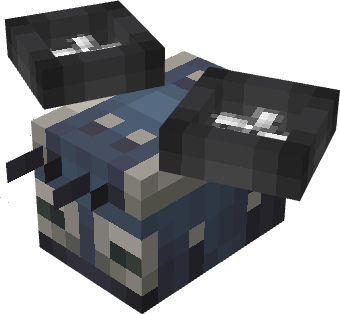
Mobile Packager
The Mobile Packager lets you create and edit packages in your hand.
Modes
- Right-click: open package creation flow
- Sneak + right-click: open package edit flow
Edit Flow
- Open the edit menu.
- Insert an existing package.
- Change address/content.
- Confirm to output the updated package.
Use Cases
- Updating package contents away from a stationary setup for Bee Port routes
- Adjusting destination addresses before dispatch through Robo Bee